How do I locate my courses?
Brightspace makes it easy for a user to see and access all of their courses!
- When you log in to brightspace.vanderbilt.edu, your current courses should be on your landing page. If your professors have not yet made your courses available on Brightspace, you will not be able to see them on your landing page yet.
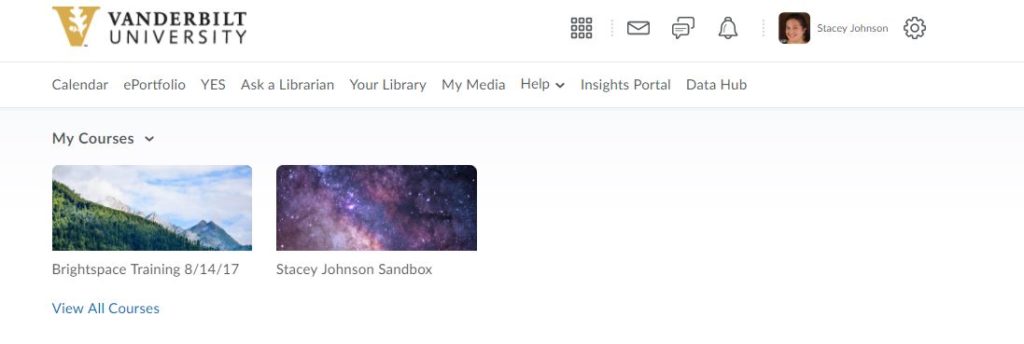
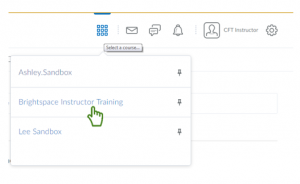
2. To see all your courses including any that may not be pinned to your landing page, in the global navigation bar, click the course list icon. It looks like a grid of 9 squares.

3. This will generate a list of all courses for which you have access. Click on the name of a course to access it. If you want to pin a course from this list to your landing page so you will always see it when you log in, you can click the little thumbtack icon next to the course name.